> For the complete documentation index, see [llms.txt](https://docs.crypto-factor.io/crypto-factor/llms.txt). Markdown versions of documentation pages are available by appending `.md` to page URLs; this page is available as [Markdown](https://docs.crypto-factor.io/crypto-factor/cfr-ecosystem/crypto-factor-swap.md).
# Crypto Factor Swap
The easiest method to obtain the Crypto Factor Token (CFR)
**Swap: Simplified Swapping in the Crypto Factor Ecosystem**
We’re excited to introduce the “Swap” feature, designed to streamline the process of swapping assets to CFR directly within our dApp.
**What is the “Swap” Feature?**
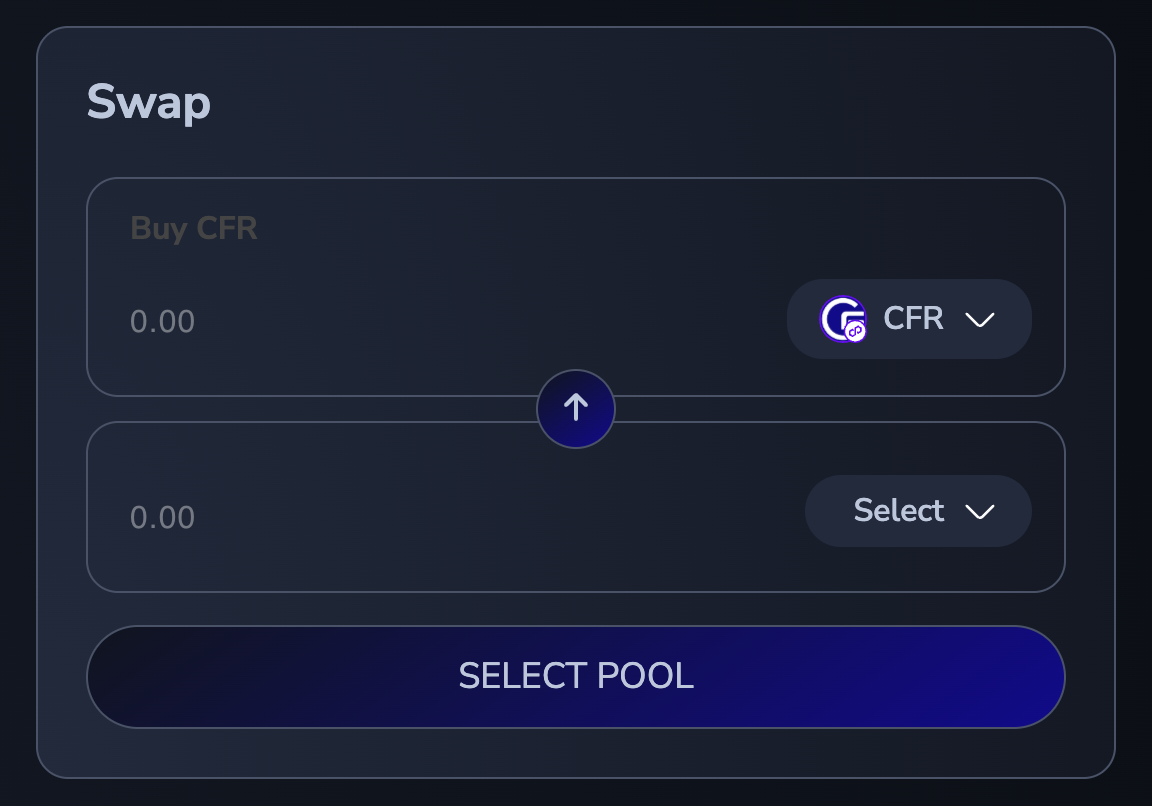
The “Swap” function allows you to swap assets to/from CFR without the need to visit external DEXs or configure complex settings such as slippage. It simplifies the process while maintaining transparency (Eco-Fees are shown) and ease of use.
**How Does It Work?**
1\. Navigate to the Crypto Factor dApp:
You’ll find the “Swap” option prominently displayed.
2\. Swap in One Click:
Select CFR and your chosen asset. Use the blue arrow to toggle between Buy/Sell. With just one click, you can exchange your assets to/from CFR. The dApp handles all technical adjustments, such as slippage and transaction settings, in the background.
3\. Transparency at Every Step:
The feature provides a clear breakdown of the Ecosystem Fee, so you’ll know exactly what you’re receiving for the assets you’re swapping.
**Why Use 'Swap'?**
• Ease of Use: The entire swapping process is embedded in our dApp for maximum convenience.
• Time-Saving: No need to navigate external platforms or adjust transaction settings manually.
• Transparency: The feature displays a detailed breakdown of fees and conversions, ensuring you’re fully informed.